
In conjunction with the ggplot2::theme system, the following element_
functions enable images in non-data components of the plot, e.g. axis text.
element_futebol_badge(): draws Brazilian Soccer team badges instead of their abbreviations.
Usage
element_futebol_badge(
  alpha = 1L,
  colour = NA_character_,
  hjust = 0.5,
  vjust = 0.5,
  color = NULL,
  angle = 0,
  size = grid::unit(0.5, "cm")
)
Arguments
- alpha
The alpha channel, i.e. transparency level, as a numerical value between 0 and 1.
1Lskips alpha channel modification for more speed.- colour, color
The image will be colorized with this colour. Use the special character
"b/w"to set it to black and white.- hjust
A numeric vector specifying horizontal justification. If specified, overrides the
justsetting.- vjust
A numeric vector specifying vertical justification. If specified, overrides the
justsetting.- angle
The angle of the element as a numerical value between 0° and 360°.
- size
The output grob size as a grid::unit. If given a numeric,
cmwill be applied as unit. Stored in theimage_sizeproperty so the inherited textsizeproperty retains the numeric type required byggplot2::element_text().
Details
The elements translate Brazilian Soccer team abbreviations into badge images. Unknown abbreviations are drawn as a generic badge.
The complete themes of ggplot2 (e.g. ggplot2::theme_minimal()) set
axis.text.x.bottom and axis.text.y.left directly. Elements set in
axis.text.x or axis.text.y are then overwritten and no badge will be
drawn. Please use the specific elements, i.e. axis.text.x.bottom,
axis.text.x.top, axis.text.y.left or axis.text.y.right.
See also
geom_futebol_badges(), and ggpath::element_path()
for more information on valid team abbreviations, and other parameters.
Examples
# \donttest{
library(futebolplotR)
library(ggplot2)
team_abbr <- valid_team_names()
df <- data.frame(
random_value = runif(length(team_abbr), 0, 1),
team = team_abbr
)
# use badges for x-axis
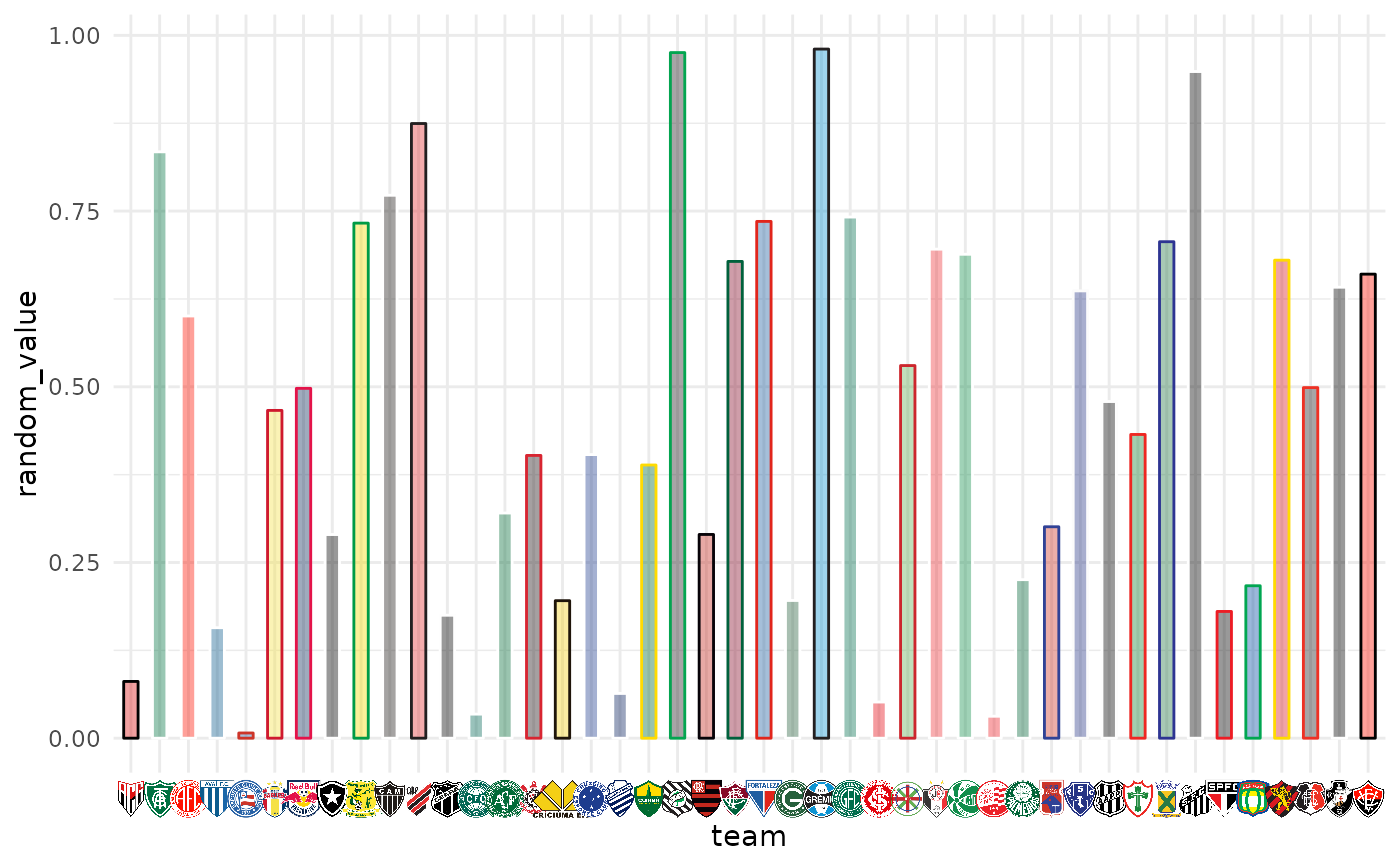
ggplot(df, aes(x = team, y = random_value)) +
geom_col(aes(color = team, fill = team), width = 0.5) +
scale_color_futebol(type = "secondary") +
scale_fill_futebol(alpha = 0.4) +
theme_minimal() +
theme(axis.text.x.bottom = element_futebol_badge())
 # use badges for y-axis
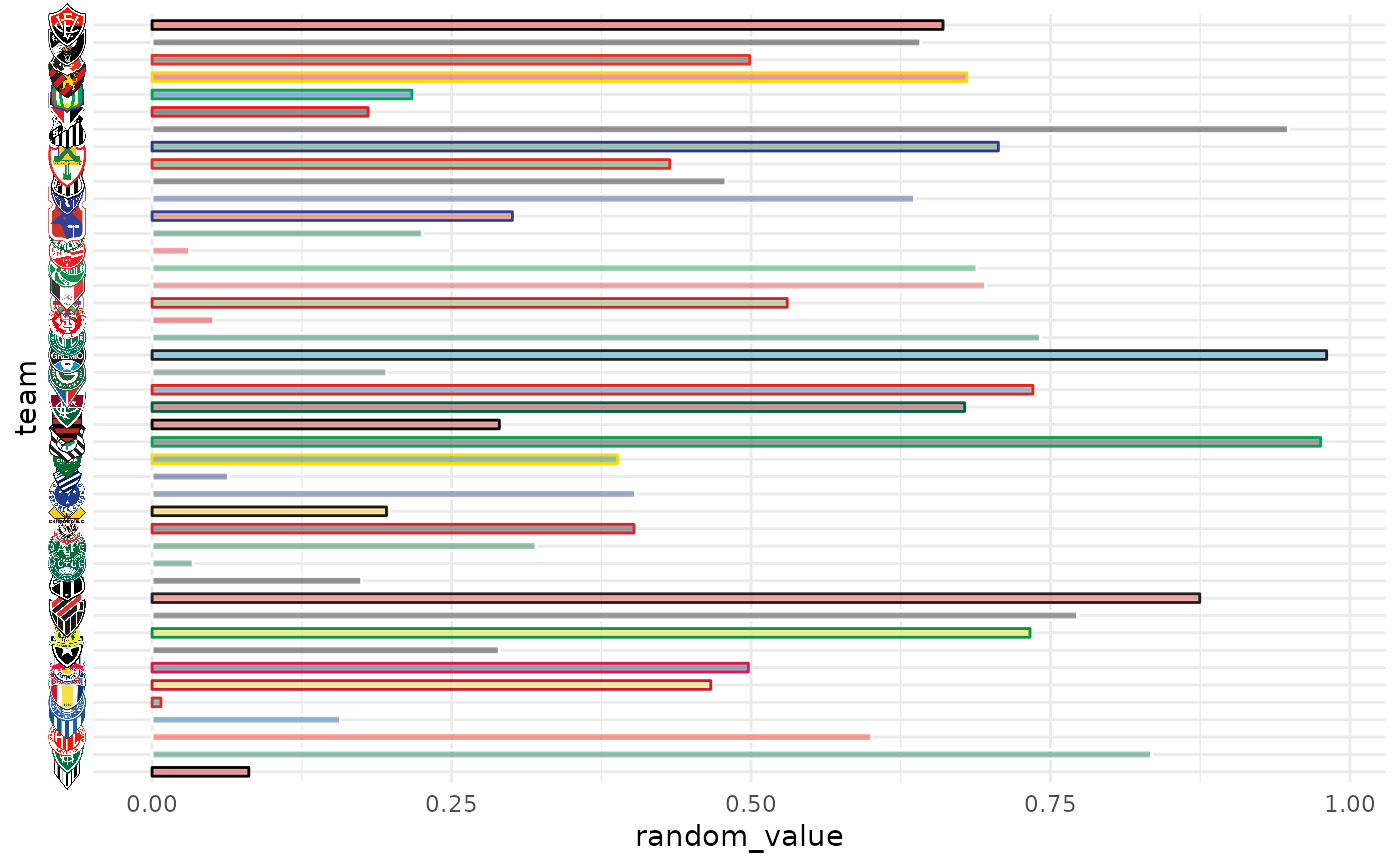
ggplot(df, aes(y = team, x = random_value)) +
geom_col(aes(color = team, fill = team), width = 0.5) +
scale_color_futebol(type = "secondary") +
scale_fill_futebol(alpha = 0.4) +
theme_minimal() +
theme(axis.text.y.left = element_futebol_badge())
# use badges for y-axis
ggplot(df, aes(y = team, x = random_value)) +
geom_col(aes(color = team, fill = team), width = 0.5) +
scale_color_futebol(type = "secondary") +
scale_fill_futebol(alpha = 0.4) +
theme_minimal() +
theme(axis.text.y.left = element_futebol_badge())
 # black and white badges with transparency
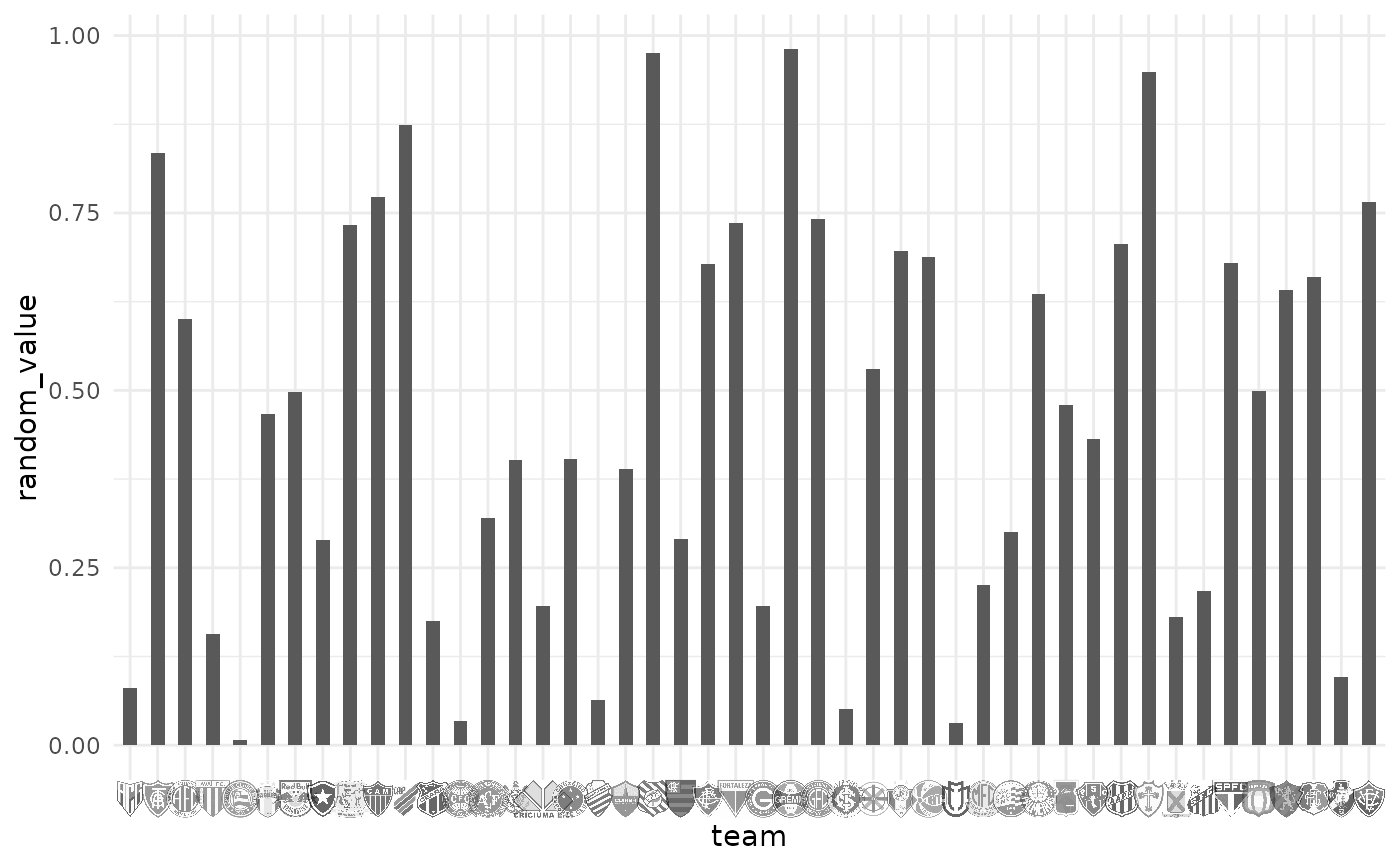
ggplot(df, aes(x = team, y = random_value)) +
geom_col(width = 0.5) +
theme_minimal() +
theme(axis.text.x.bottom = element_futebol_badge(colour = "b/w", alpha = 0.6))
# black and white badges with transparency
ggplot(df, aes(x = team, y = random_value)) +
geom_col(width = 0.5) +
theme_minimal() +
theme(axis.text.x.bottom = element_futebol_badge(colour = "b/w", alpha = 0.6))
 # }
# }